-
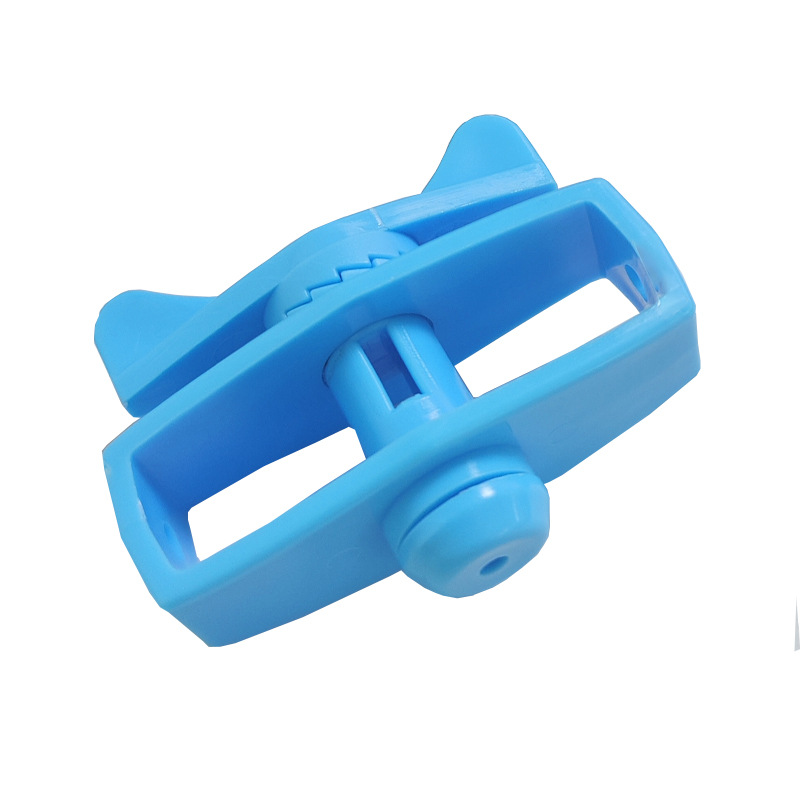
Excellent quality Metal Galvanized HDG Wire Grip Wire Tightener Wire Tensioner
Product name: Fence Tightener for Electric Fences
-
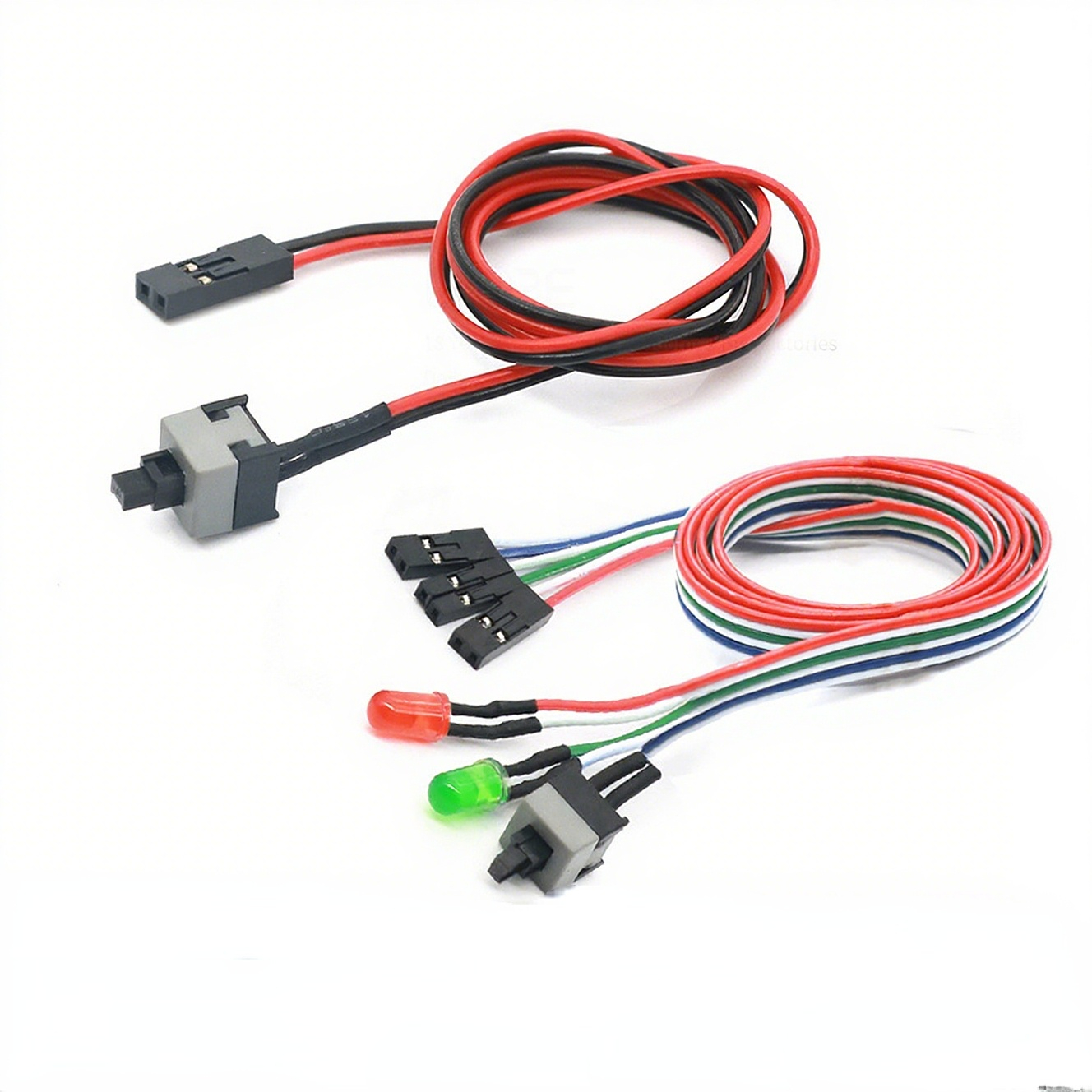
6 pins 8.5mm push button switch Computer Case Power Button switch
Product name: Push Button Switch/ self locking switch
Operation Type: Momentary type /Latching type
Rating: DC 30V 0.1A
voltage: 12V or 3V, 5V, 24V, 110V, 220V
Contact Configuration: 1NO1NC
Computer Case Power Button
1. Standard Term: Power Button
This is the universal term for the primary switch on a computer case. Its symbol is the broken circle with a vertical line (IEC 5009), which is the international standard symbol for power.
2. Primary Function:
The primary function of the power button is to send a momentary signal to the computer’s motherboard to initiate the boot process. In modern systems, it is a “soft” switch, meaning it doesn’t physically cut power but instructs the operating system to begin a controlled shutdown or hibernation when pressed briefly while the computer is running.
3. Physical Design and Features:
- ∙Momentary Switch: It is not a latching or toggle switch. It is designed to be pressed and released, making a momentary contact.
- ∙Tactile Feedback: Most buttons provide physical or audible feedback (a click) to confirm the press.
- ∙LED Indicator: It is almost always integrated with a Light-Emitting Diode (LED). This LED illuminates (often in white, blue, or green) to indicate that the computer is powered on. In sleep mode, it may blink.
4. Common Location:
The power button is typically located on the front panel of the computer case, often on the top-right or top-left section for easy access. On full-tower cases, it may be on the top face.
5. Related Button: Reset Button
Many computer cases also feature a secondary, smaller button called the Reset Button. This button forces an immediate hardware reboot by restarting the motherboard’s circuitry, which is useful if the operating system becomes completely unresponsive. It is usually located directly next to or near the power button.
-
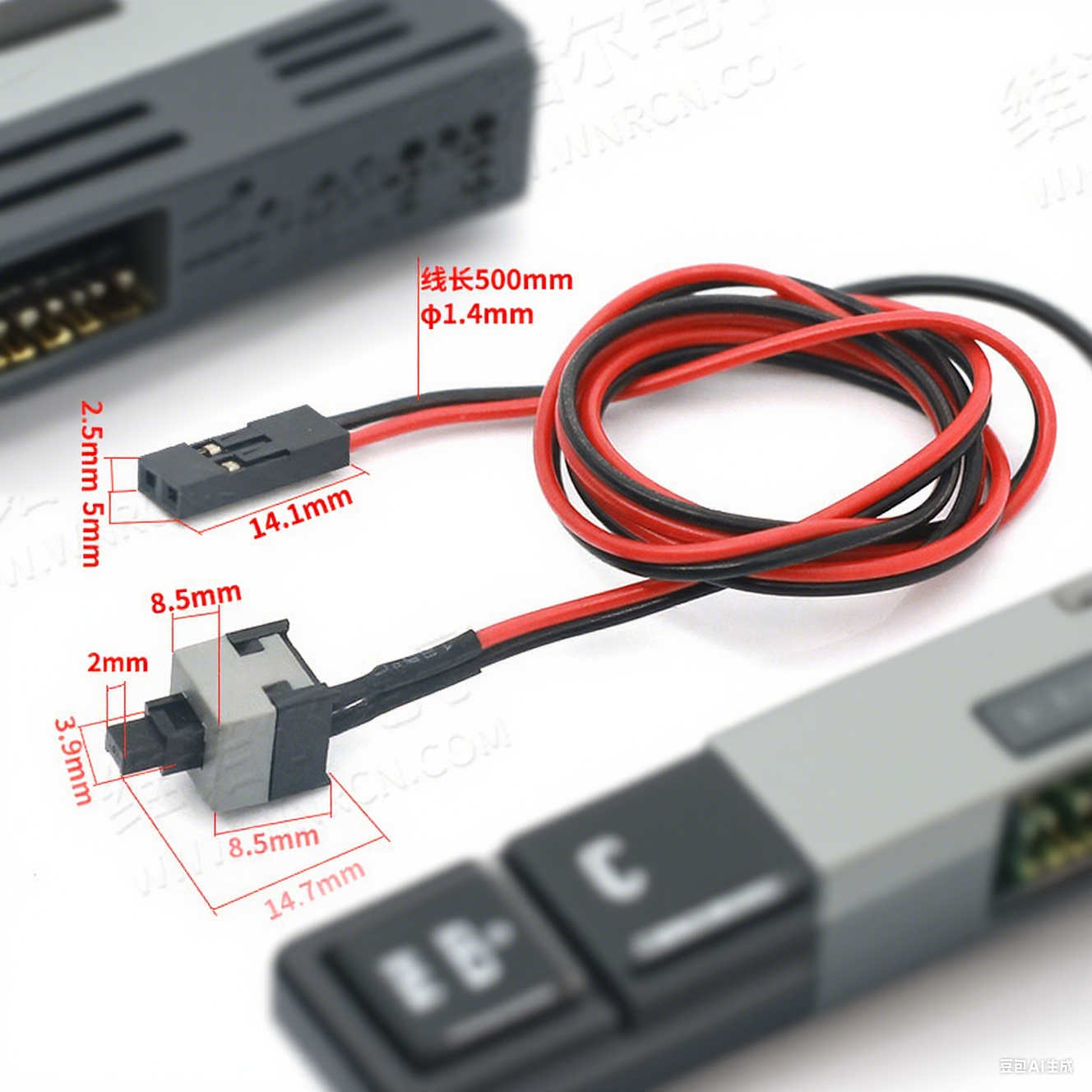
8.5mm push button switch Computer Case Reset Button switch with light
Product name: Push Button Switch/ self locking switch
Operation Type: Momentary type /Latching type
Rating: DC 30V 0.1A
voltage: 12V or 3V, 5V, 24V, 110V, 220V
Contact Configuration: 1NO1NC
Computer Case Power Button
1. Standard Term: Power Button
This is the universal term for the primary switch on a computer case. Its symbol is the broken circle with a vertical line (IEC 5009), which is the international standard symbol for power.
2. Primary Function:
The primary function of the power button is to send a momentary signal to the computer’s motherboard to initiate the boot process. In modern systems, it is a “soft” switch, meaning it doesn’t physically cut power but instructs the operating system to begin a controlled shutdown or hibernation when pressed briefly while the computer is running.
3. Physical Design and Features:
- ∙Momentary Switch: It is not a latching or toggle switch. It is designed to be pressed and released, making a momentary contact.
- ∙Tactile Feedback: Most buttons provide physical or audible feedback (a click) to confirm the press.
- ∙LED Indicator: It is almost always integrated with a Light-Emitting Diode (LED). This LED illuminates (often in white, blue, or green) to indicate that the computer is powered on. In sleep mode, it may blink.
4. Common Location:
The power button is typically located on the front panel of the computer case, often on the top-right or top-left section for easy access. On full-tower cases, it may be on the top face.
5. Related Button: Reset Button
Many computer cases also feature a secondary, smaller button called the Reset Button. This button forces an immediate hardware reboot by restarting the motherboard’s circuitry, which is useful if the operating system becomes completely unresponsive. It is usually located directly next to or near the power button.
-
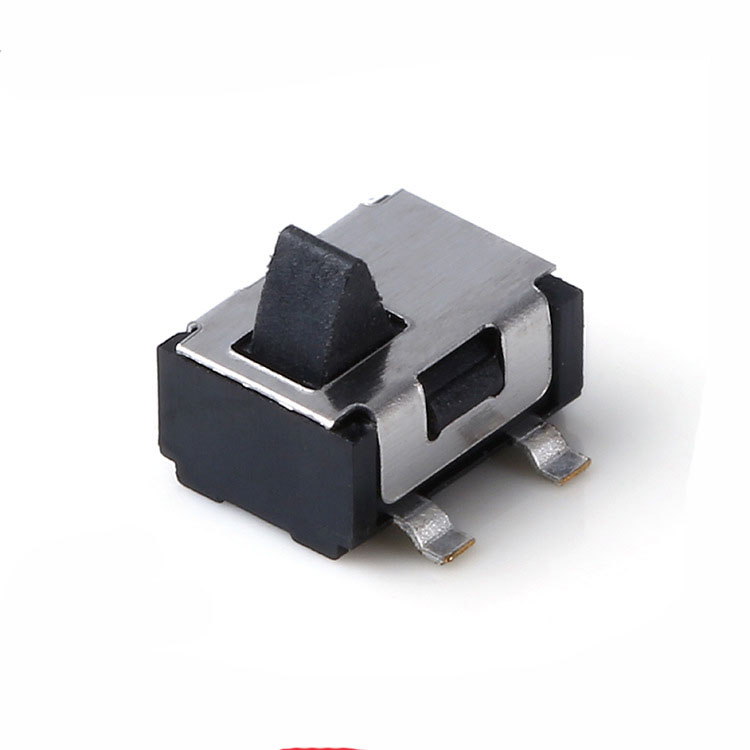
detector switch for Flash card inserting machine
Product name: detector switch
Operation Type: Momentary type
Rating: DC 30V 0.1A
voltage: 12V or 3V, 5V, 24V, 110V, 220V
Contact Configuration: 1NO1NC
-
switch for Educational Card Insertion Machine
Product name: detector switch
Operation Type: Momentary type
Rating: DC 30V 0.1A
voltage: 12V or 3V, 5V, 24V, 110V, 220V
Contact Configuration: 1NO1NC
-
Factory Supply Automatic Card Dispensers and Card Dispenser
Product name: detector switch
Operation Type: Momentary type
Rating: DC 30V 0.1A
voltage: 12V or 3V, 5V, 24V, 110V, 220V
Contact Configuration: 1NO1NC
-
Cheapest Price AC220V PIR Motion Sensor Detector LED Light Switch Adjustable PIR Sensor Switch with grip notches
Product name: detector switch
Operation Type: Momentary type
Rating: DC 30V 0.1A
voltage: 12V or 3V, 5V, 24V, 110V, 220V
Contact Configuration: 1NO1NC
-
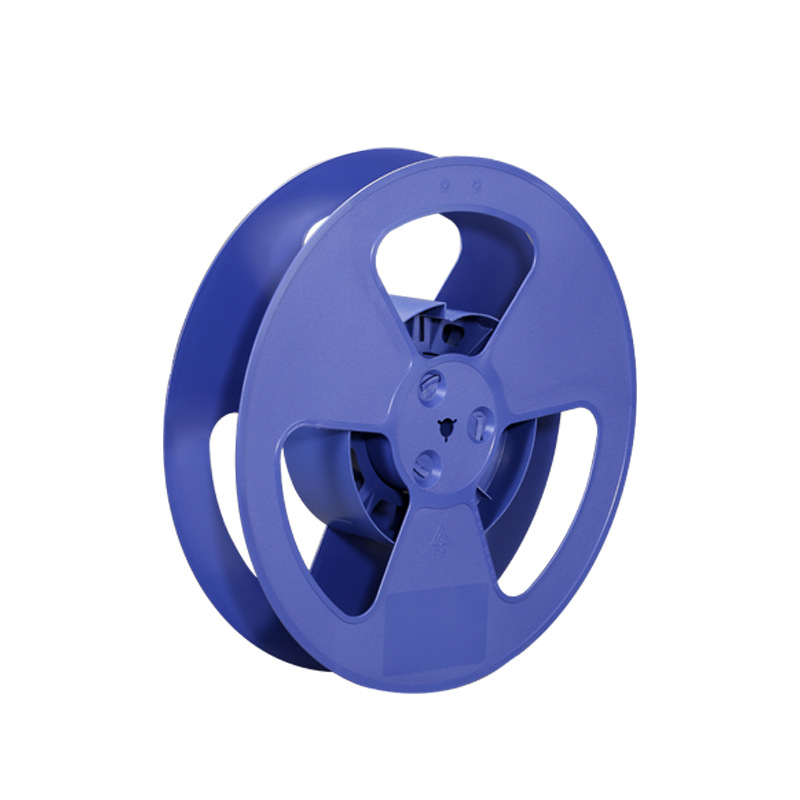
Wholesale Discount Cheap Price Small Plastic Wire Spools
Place of Origin China
Brand Name DENO
Plastic Modling Type Extruding
Color White/Blue/Black(can be customized)
Shape Round
Size 7/13/15 inch or customized
Width 12/16/24/32/44/56/72/88 mm or customized
Material: HIPS(High impact polystyrene)
Process: Injection Mould Plastic Part
OEM: Available
Plastic Modling: injection
Certification: ISO 9001,IQNET,ROHS
-
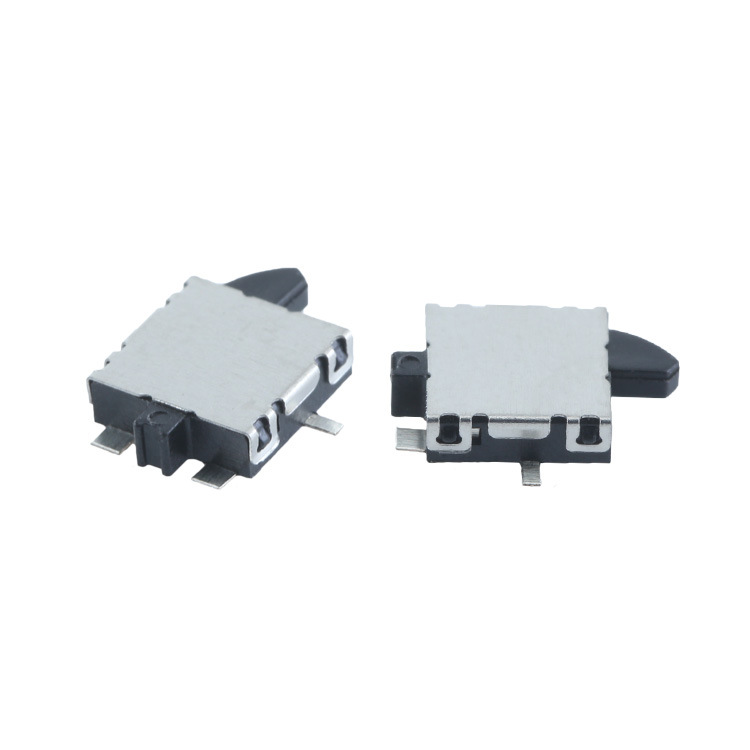
Chinese Professional Aluminum Material Project Report of Cell Phone Detector Camera Detector
Product name: detector switch
Operation Type: Momentary type
Rating: DC 30V 0.1A
voltage: 12V or 3V, 5V, 24V, 110V, 220V
Contact Configuration: 1NO1NC
-

Factory Price Precision Motion Detector Switch for Efficient Smart Home Applications
Product name: detector switch
Operation Type: Momentary type
Rating: DC 30V 0.1A
voltage: 12V or 3V, 5V, 24V, 110V, 220V
Contact Configuration: 1NO1NC
-
OEM Factory for Hot Sale Surface Mount Detector Switch/Membrane Tact Switch
Product name: detector switch
Operation Type: Momentary type
Rating: DC 30V 0.1A
voltage: 12V or 3V, 5V, 24V, 110V, 220V
Contact Configuration: 1NO1NC
-