-
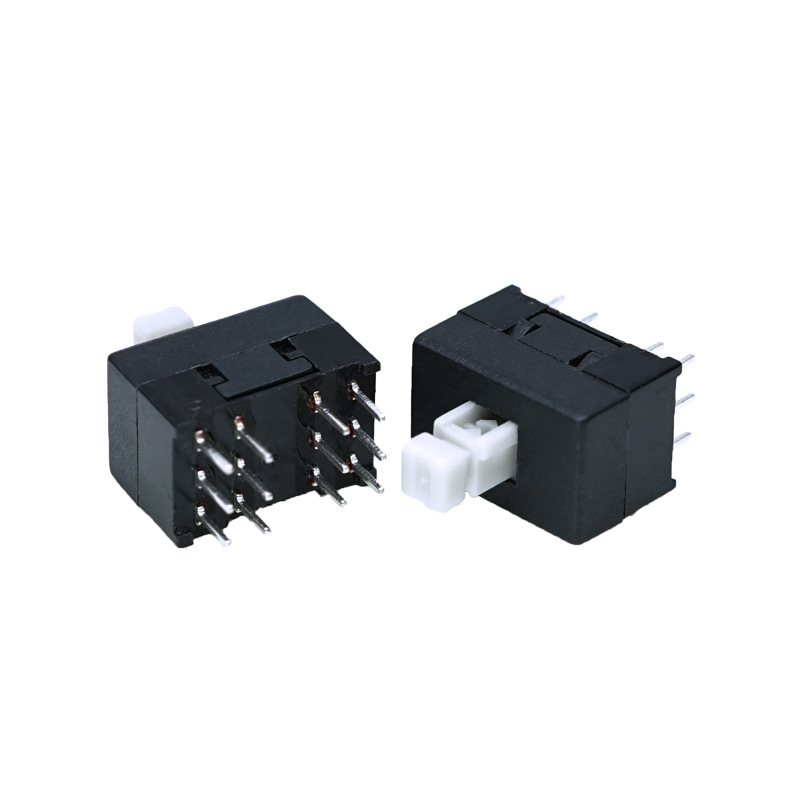
12 pins 8.5mm double row On-off latching Self locking Swtich KFC-08-850-12GZ
Product name: Push Button Switch/ self locking switch
Operation Type: Momentary type /Latching type
Rating: DC 30V 0.1A
voltage: 12V or 3V, 5V, 24V, 110V, 220V
Contact Configuration: 1NO1NC
-
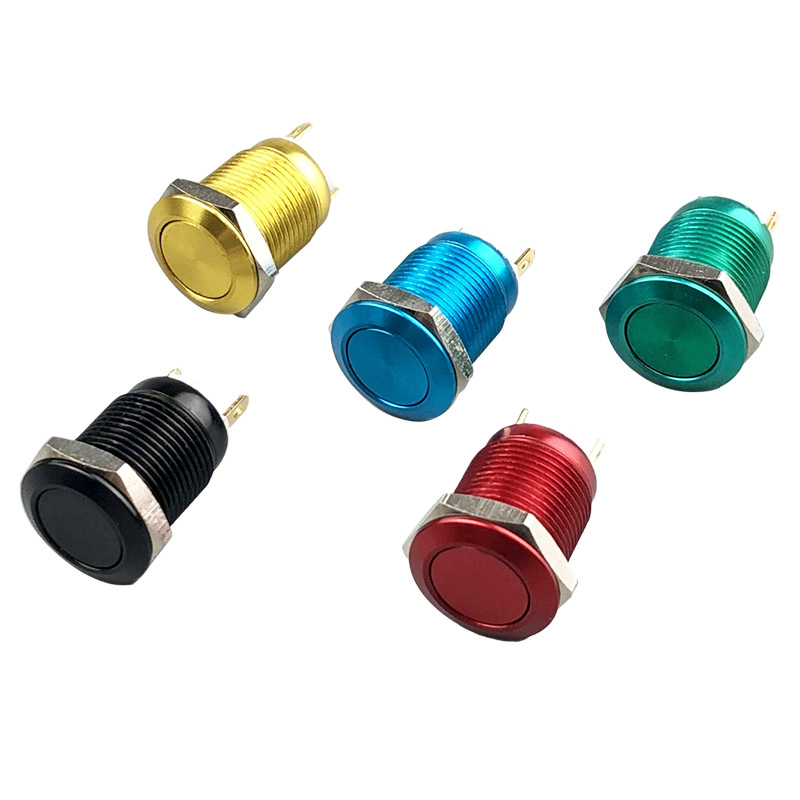
6A/250VAC, 10A/125VAC ON OFF Anti Vandal Swtich YL12C-B11P
Product name: Push Button Switch/ Anti-vandal switch
Material: Brass nickel plated / Stainless steel
LED color: Blue White Yellow Red Green Orange
e Operation Type: Momentary type push it-on, release it-off Switch
Rating: 5A/250VAC LED
voltage: 12V or 3V, 5V, 24V, 110V, 220V
Contact Configuration: 1NO1NC
Head shape: Flat head Hole size: 12mm
-
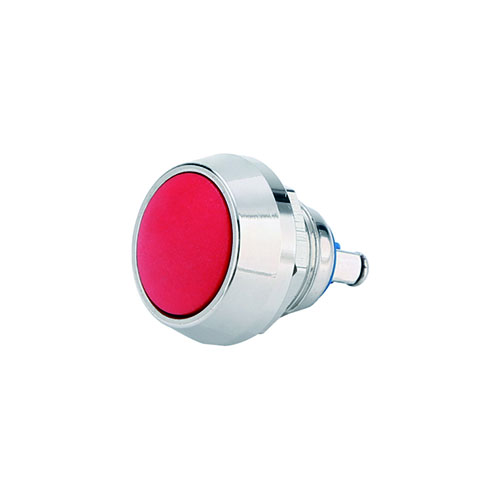
6A/250VAC, 10A/125VAC ON OFF Anti Vandal Swtich YL12C-A10Q
Product name: Push Button Switch/ Anti-vandal switch
Material: Brass nickel plated / Stainless steel
LED color: Blue White Yellow Red Green Orange
e Operation Type: Momentary type push it-on, release it-off Switch
Rating: 5A/250VAC LED
voltage: 12V or 3V, 5V, 24V, 110V, 220V
Contact Configuration: 1NO1NC
Head shape: Dome head Hole size: 12mm
-
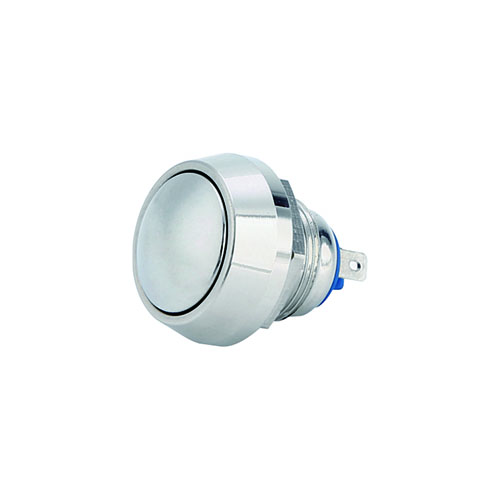
6A/250VAC, 10A/125VAC ON OFF Anti Vandal Swtich YL12C-A11Q
Product name: Push Button Switch/ Anti-vandal switch
Material: Brass nickel plated / Stainless steel
LED color: Blue White Yellow Red Green Orange
e Operation Type: Momentary type push it-on, release it-off Switch
Rating: 5A/250VAC LED
voltage: 12V or 3V, 5V, 24V, 110V, 220V
Contact Configuration: 1NO1NC
Head shape: Dome head Hole size: 12mm
-
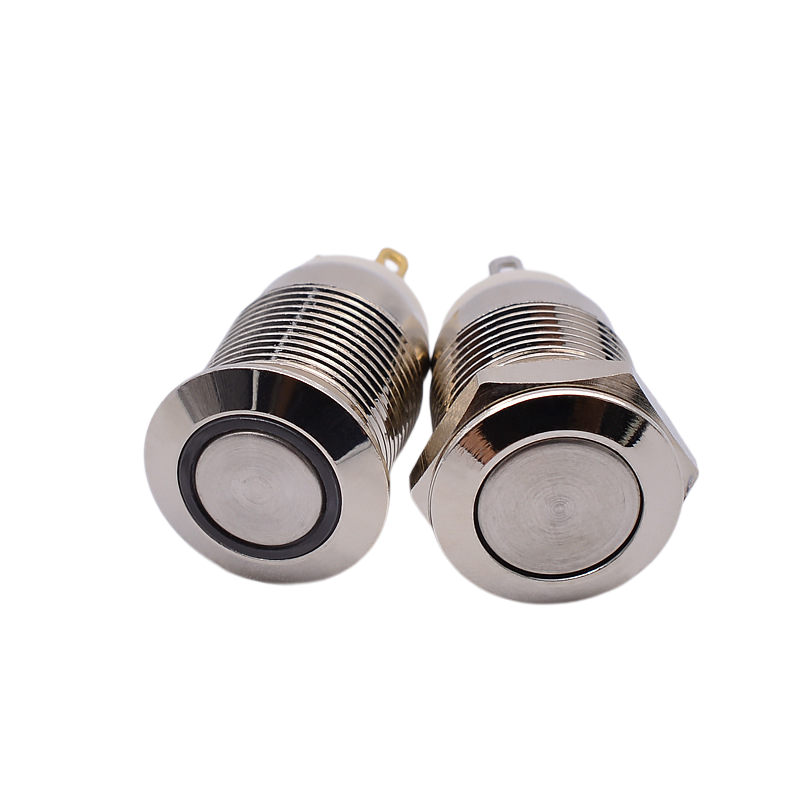
waterproof 12 volt push button switch
The metal push button switch is a rugged and reliable switch designed for industrial applications. It is constructed with a durable metal casing and features instantaneous action to provide tactile feedback to the user. These switches are available in a variety of sizes and configurations to meet different installation requirements. Application one: Industrial Machinery: Metal push button switches are commonly used in industrial machinery control panels for functions such as start/stop, emergency shutdown, and process control.
-
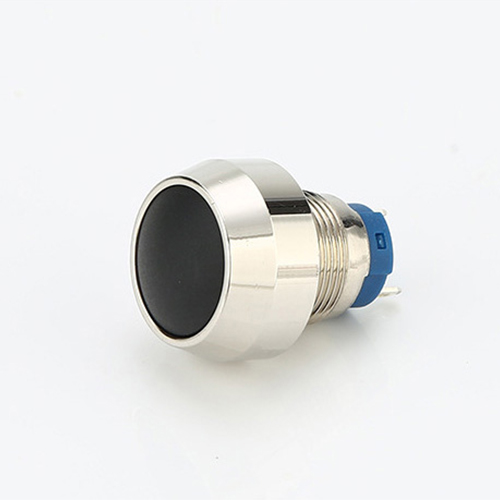
12mm momentary push button switch
Made of brass nickel plated material, strong and durable. High-grade appearance and nice touch feeling. Adopt rubber ring and hexagonal nut fixed, anti dust and waterproof, which make it great for outdoors use. Copper plating silver terminals for good conductive properties. Momentary type, push it-on, release it-off. Metal button head durable for longstanding press.
-
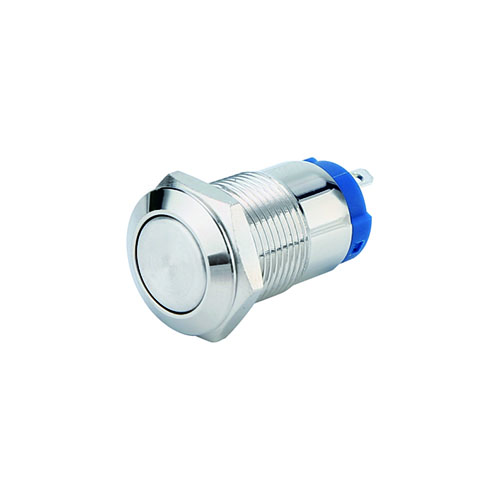
12 volt horn button switch
Made of brass nickel plated material, strong and durable. High-grade appearance and nice touch feeling. Adopt rubber ring and hexagonal nut fixed, anti dust and waterproof, which make it great for outdoors use. Copper plating silver terminals for good conductive properties. Momentary type, push it-on, release it-off. Metal button head durable for longstanding press.
-
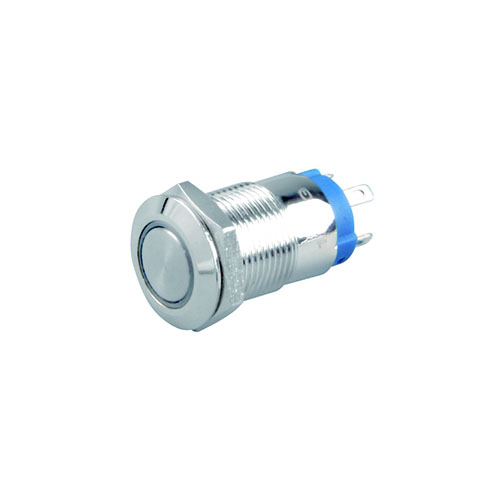
stainless steel push button switch
Made of brass nickel plated material, strong and durable. High-grade appearance and nice touch feeling. Adopt rubber ring and hexagonal nut fixed, anti dust and waterproof, which make it great for outdoors use. Copper plating silver terminals for good conductive properties. Momentary type, push it-on, release it-off. Metal button head durable for longstanding press.
-
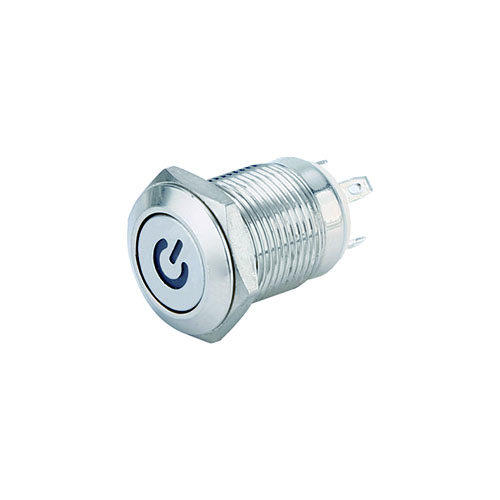
automotive momentary switch
Made of brass nickel plated material, strong and durable. High-grade appearance and nice touch feeling. Adopt rubber ring and hexagonal nut fixed, anti dust and waterproof, which make it great for outdoors use. Copper plating silver terminals for good conductive properties. Momentary type, push it-on, release it-off. Metal button head durable for longstanding press.
-
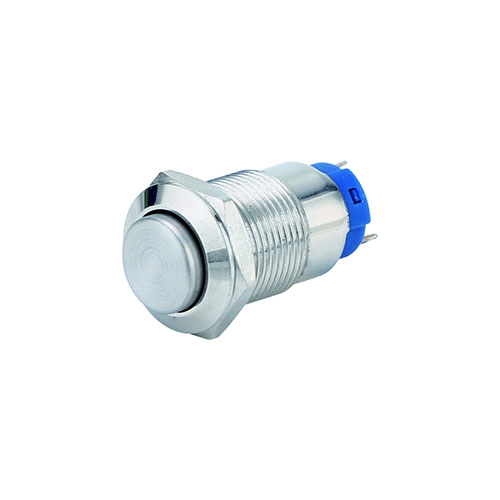
12mm momentary push button switch
Made of brass nickel plated material, strong and durable. High-grade appearance and nice touch feeling. Adopt rubber ring and hexagonal nut fixed, anti dust and waterproof, which make it great for outdoors use. Copper plating silver terminals for good conductive properties. Momentary type, push it-on, release it-off. Metal button head durable for longstanding press.
